

Best Homelab for beginners for United States
The simplest good starting homelab — Docker, file storage and self-hosted docs, at a friendly price. Prices and availability for United States.
Requirements vs this build
need · used| CPU threads | 6 | 100% | Full |
|---|---|---|---|
| RAM | 24 GB | 75% | OK |
| Storage | 5 TB | 75% | OK |
| GPU | Not needed |
Power
- Usage
- 24/7
- Idle
- 33 W
- Typical
- 41 W
- Peak
- 100 W
- Energy / year
- ≈ €61
- Over 3 years
- ≈ €183
Score
Why this variant
1 free drive bay(s), 3 free PCIe slot(s) and 2 free RAM slot(s) keep the upgrade path open for years.
- Higher upfront cost today — you pay for expansion capacity before you need it.
- AMD Ryzen 5 9600X: 6 cores / 12 threads covers the 6 cores needed with headroom.
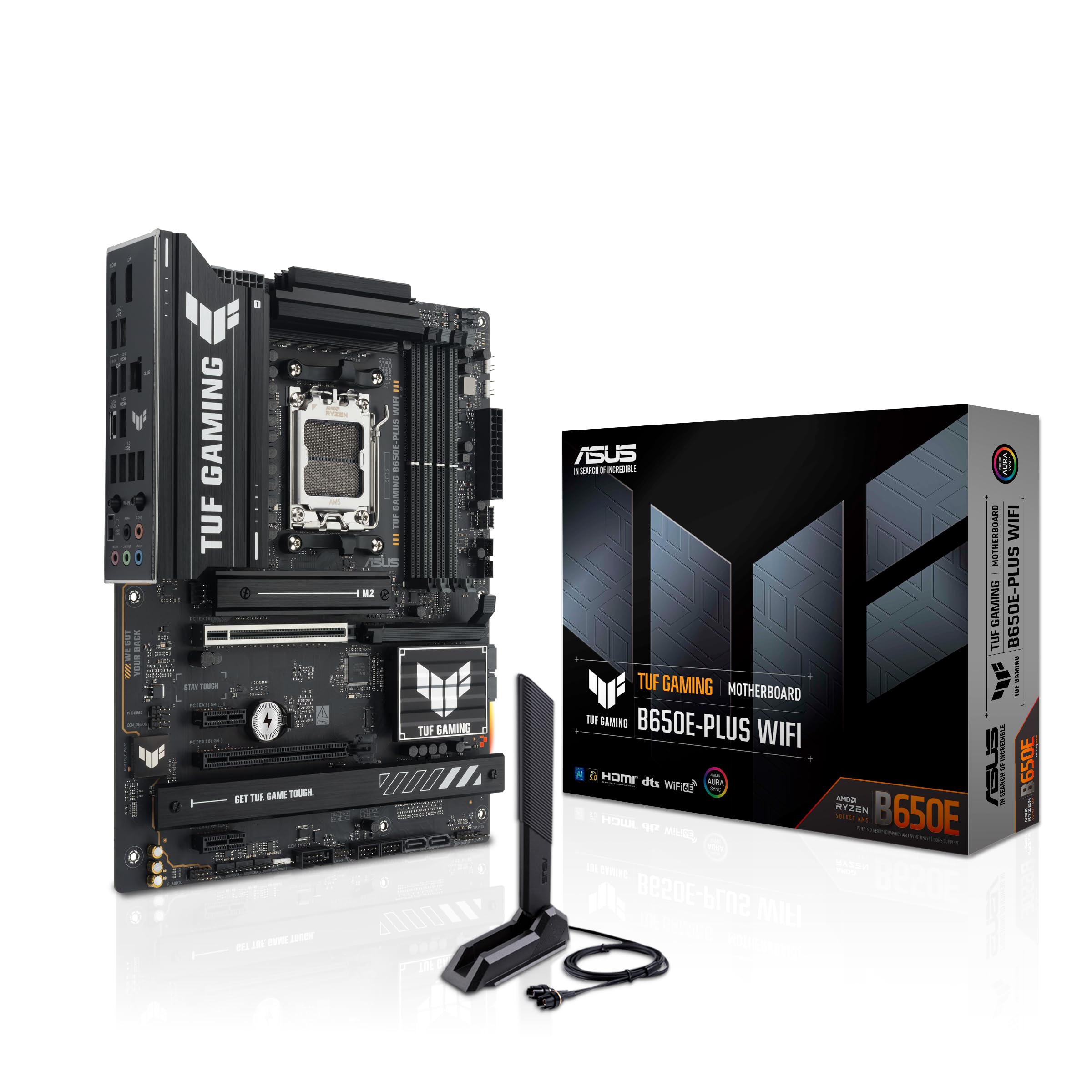
- Motherboard AMD B650E (AM5): matches the CPU socket and case size.
- RAM: 32GB DDR5 — meets the 24GB the workload requires.
- Long-term build — expandable & future-proof beats "Smart build — best all-round" on expandability +32, silence +23 — that is why it is recommended for your priorities.
Before you buy
3 critical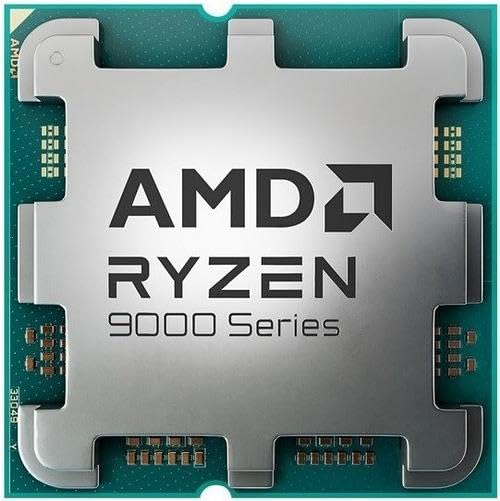 €165Finding prices…
 €122Finding prices…
 €105Finding prices…
 €64Finding prices…
 €9Finding prices…
 psuSeaSonic Prime Fanless PX-500 Fanless ATX 500W Fully Modular 80+ Platinum Certified500 W · platinum · modularAlternatives & swap≈ €85Finding prices…
 storageWestern Digital WD Blue SN5000 4TB SSD M.2-2280 PCIe 4.0 x4 NVMeNVME · 4 TBAlternatives & swap€414Finding prices…
 €60Finding prices…
Future-proof score
Strong future-proofing80/100
Strong future-proofing (80/100) — this build should stay relevant for years without major surgery.
DIY build — the CPU, motherboard and PSU can each be upgraded independently without replacing the whole system.
Expansion headroom: 3 PCIe slot(s), 2 M.2, 3 SATA, 1 drive bay(s), 2 RAM slot(s) free.
Storage is 75% utilized with 1 free drive bay(s) and 3 free SATA port(s).
2 RAM slot(s) free; memory is 75% utilized.
Networking is 2500 Mbps, and a free PCIe slot can add a faster NIC later.
ATX form factor with standard, socketed components — most parts are easy to replace.
No GPU, but there is room (3 PCIe slot(s), PSU headroom 5x) to add one for AI/transcoding.
Homelab Risk Score
Moderate risk41/100
Moderate risk (41/100) — a few items are worth fixing before you commit (see checklist).
Final build audit
Audit found 3 critical and 0 warning item(s) worth fixing before you buy.
What becomes the limit
Storage nearly full is the most likely thing to date this build within 1-2y.
What limits you first
CPU is the closest to its limit (100% of capacity in use) — it will likely force the next upgrade.
- Add SURALLOW RX 580 8GB Graphics Card
- Add Microconnect MC-PCIEX4-X520-DA1 network card Internal Fiber 10000 Mbit/s
- Upgrade storage to Seagate EXOS Enterprise 16TB 3.5" HDD 7200RPM SATA 6.0 Gb/s
- Upgrade storage to Seagate IronWolf NAS 8TB HDD 3.5" 7200RPM SATA
- Upgrade cpu to AMD Ryzen 7 9700X
Mission
- Budget
- —
- Energy priority
- 5/10
- Noise priority
- 3/10
- Expansion priority
- 3/10
Recommended architecture
diy · sff build on AM5 + AMD B650E- Compute
- AMD Ryzen 5 9600X
- Memory
- Acer HT200 32GB (2 x 16 GB) DDR5 6000 CL30 Black
- Storage
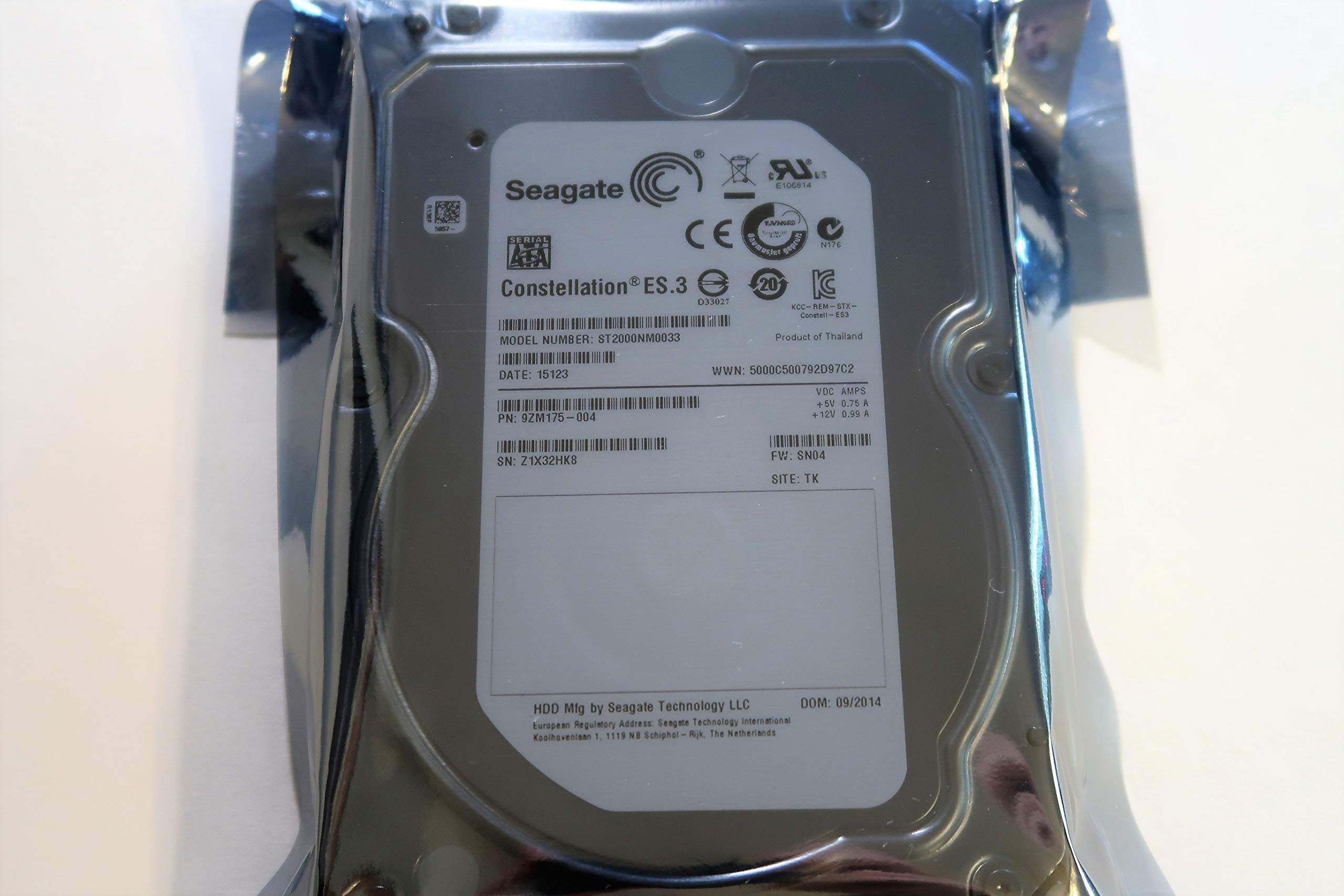
- Western Digital WD Blue SN5000 4TB SSD M.2-2280 PCIe 4.0 x4 NVMe, Seagate Constellation ES.3 2TB 3.5" HDD 7200RPM SATA
- Networking
- 2.5G onboard
- Cooling
- ARCTIC Alpine 23 CO Air 65mm Black
- Power
- SeaSonic Prime Fanless PX-500 Fanless ATX 500W Fully Modular 80+ Platinum Certified
- Expansion
- 3× PCIe, 2× M.2, 3× SATA, 1 bay, 2× RAM


